How to Cancel Police Clearance in the Philippines
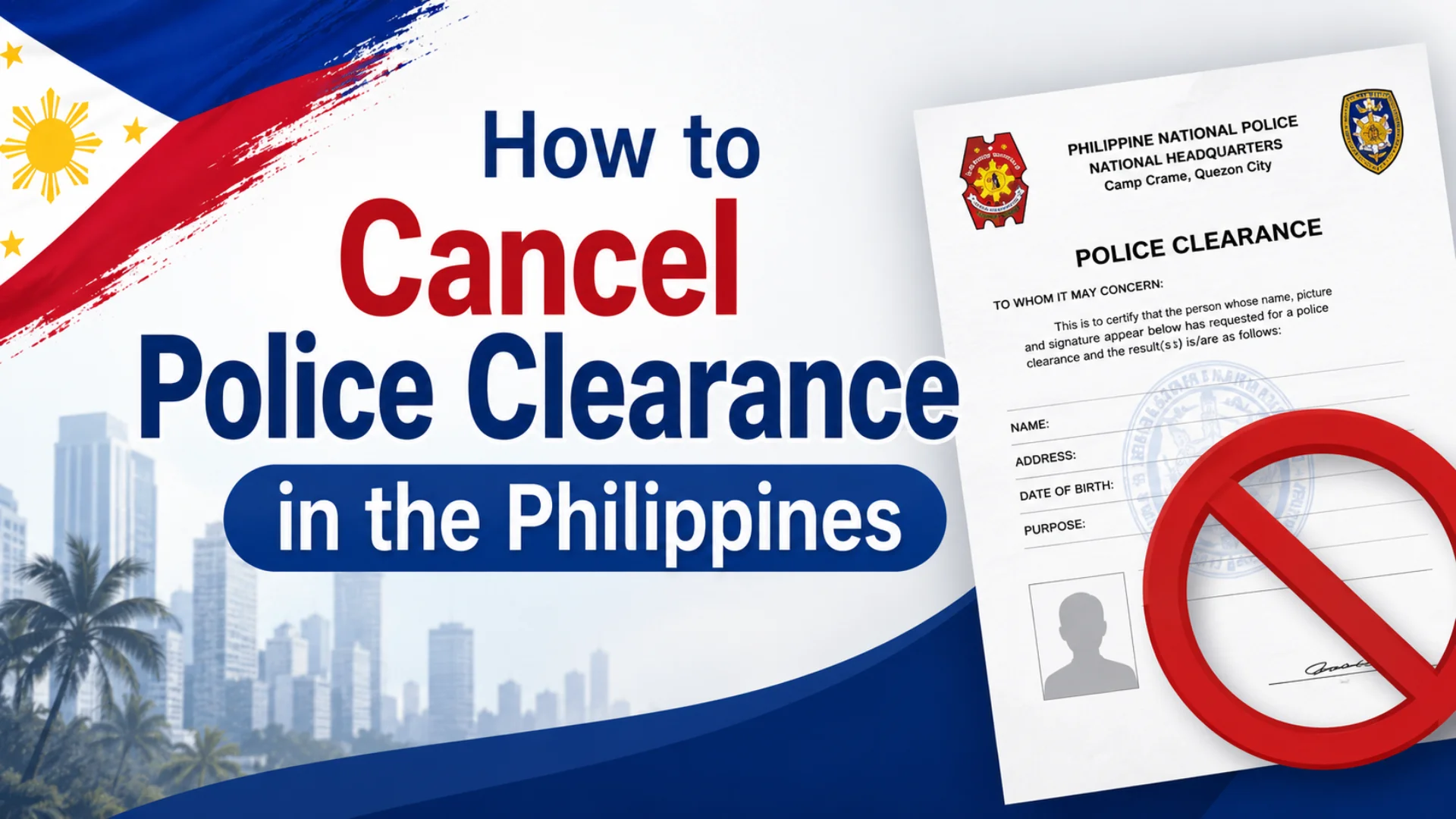
Canceling a police clearance is one of those things nobody really plans for but it happens. A wrong detail slipped into the form, an accidental duplicate booking, a missed appointment, or a shift in employment plans can all lead you here. The process is manageable, but knowing exactly what to do and when makes all the difference.
This guide breaks down every cancellation scenario clearly, whether you applied online or walked into a station, and whether you have already paid or not. By the end, you will know exactly what steps to take, what to expect, and how to avoid the most common mistakes.
What Is a Police Clearance Certificate and Why Would You Need to Cancel It?
Issued by the Philippine National Police, a police clearance is an official document that verifies an individual has no criminal record registered in government databases. It is commonly requested for:
- Employment local and overseas
- Travel and immigration
- Business permits
- Other legal purposes
The situations that push someone toward cancellation are more varied than most expect:
| Reason | Description |
|---|---|
| Incorrect Information | Wrong name, birthdate, or other details entered during submission |
| Wrong Police Station | Mistakenly selected the wrong station or city |
| Missed Appointment | Scheduled slot was missed and clearance is no longer needed |
| Duplicate Application | Two applications accidentally submitted under the same account |
| Reapplying with Correct Details | Original needs to be voided before a corrected one is submitted |
In any of these cases, canceling allows you to correct the issue before it becomes a bigger problem.
Can You Cancel a Police Clearance Application?
Yes but with certain conditions attached, and this is where most people get confused. Unlike many government services that offer little flexibility, the Philippine National Police does allow cancellations under specific guidelines. The key factor is timing:
| Stage | Can You Cancel? |
|---|---|
| Before appointment, before payment | Yes easily through the portal |
| Before appointment, after payment | Limited contact PNP support or visit the station |
| After receiving your clearance | No a new application is required |
Once your police clearance has been released and issued to you, cancellation is no longer on the table. Any correction or update after issuance means submitting an entirely new application there is no halfway option.
How to Cancel Police Clearance in the Philippines
The online route is the most convenient, provided you act quickly ideally before any payment has gone through.
Step 1: Log Into the PNP Digital Clearance System
Navigate to the PNP Clearance Portal and log in using your registered email and password.
Step 2: Navigate to Appointment History
Once logged in, find and click on the “My Transactions” or “Appointment History” tab. Check the status of your application it must be marked as either:
- Pending, or
- For Payment
Only applications with these statuses are eligible for cancellation.
Step 3: Request Cancellation Before Payment
- Click the “Cancel” button next to your application
- A confirmation prompt will appear confirm your request
- Your appointment slot will be freed up
- You can then reapply fresh or leave it as is
Important: Once payment has been completed and processed, online cancellation is no longer available directly through the portal. Your options become limited, and additional steps are needed covered in the section below.
National Police Clearance Cancellation Process for Walk-in Applicants
If you applied directly at a police station without using the online booking system, the cancellation process is handled entirely in person and it must be done at the same location where you originally submitted your application.
What to do:
- Visit the same police station where you originally applied
- Talk to the officer in charge of police clearances
- Clearly explain your reason for cancellation incorrect details, missed appointment, or no longer needing the document
- Complete any required forms or submit a formal cancellation request if asked
Come prepared with your application details so the process goes smoothly.
What to Do If You’ve Already Paid the Police Clearance Fee
Paid police clearance applications are not refundable through the system. The fee is non-refundable under current policy but that does not mean you are completely out of options.
Option 1: Contact PNP Clearance Support
Reach out to the Philippine National Police directly with the following details:
| Detail Required | Example |
|---|---|
| Full Name | Your complete legal name |
| Reference Number | Found in your confirmation email or portal |
| Date of Application | When you submitted the application |
| Police Station Selected | The station you booked under |
| Reason for Cancellation | Brief explanation of your situation |
- 📧 Email: [email protected]
- 📞 Phone: (02) 723-0401 local 3503
Option 2: Visit the Police Station Directly
- Bring your receipt or proof of payment
- Request cancellation and explain your situation to the officer in charge
- In some cases, rebooking or reapplication may be allowed
Can You Reschedule Instead of Canceling Your Appointment?
If your only issue is the appointment date and everything else in your application is correct, rescheduling is the smarter move and it saves you from restarting the entire process.
- Contact the assigned police station by phone or through their official Facebook page
- Provide your name and reference code so they can locate your application
- Follow their guidance based on current availability and policies
- They will advise whether to rebook or cancel and reapply entirely
Note: Rescheduling is only available at the police station level it cannot be done through the online portal.
How to Cancel a Duplicate Police Clearance Appointment
Accidentally scheduling two appointments under the same account is more common than it sounds especially when the portal times out or a payment confirmation is delayed.
Steps to resolve it:
- Log in to the PNP Clearance Portal for appointment booking.
- Navigate to the Appointment History section
- Identify the duplicate — check which one is marked “Pending” or “Unpaid”
- Click the Cancel button to free up that slot
- Keep the paid and processed appointment let it continue as planned
How to Cancel Police Clearance If You Missed the Appointment
Missing your scheduled appointment does not automatically void your application which is something most people do not realize.
What to do
| Step | Action |
|---|---|
| Visit the police station | Go to the same station where you originally applied |
| Bring your documents | Reference number and a valid ID |
| Act within 15 calendar days | This is the window given before the system voids your slot |
| Reapply if the window is missed | You will need to reapply and repay the fee |
There is no refund and no automatic cancellation provided for no-shows. Once the 15-day window passes, the system automatically voids your slot.
Police Clearance Refund Policy in the Philippines
To be straightforward currently, no refunds are issued for canceled or unused appointments once payment has been made. The police clearance fee is non-refundable, full stop.
To avoid paying twice
- Always double-check your details before submitting
- Avoid creating duplicate accounts — use only one account per person
- Spot a mistake after submitting but before payment? Contact PNP support immediately
- Pay only when you are completely sure all details are correct
Acting before payment is the only point where you have real control over the outcome.
How to Cancel Police Clearance Applied Through GCash or PayMaya
| Payment Status | What to Do |
|---|---|
| Unpaid / Not yet confirmed | Cancel the appointment directly through the PNP portal |
| Paid and confirmed | Contact PNP support or visit the station with your receipt |
Important: E-wallet providers like GCash and PayMaya cannot issue refunds for police clearance transactions on their end. The matter must be resolved through the PNP directly not through the e-wallet platform.
Tips to Avoid Needing Cancellation
Having helped others navigate this process, these are the habits that prevent most cancellation scenarios from ever coming up:
| Tip | Why It Matters |
|---|---|
| Re-check every field before submission | Catches name, birthdate, and detail errors early |
| Select the correct police station and city | Changing it later requires cancellation |
| Align your appointment with your availability | Prevents missed appointments |
| Use only one account per person | Eliminates duplicate submissions and confusion |
| Pay only when all details are confirmed correct | Once paid, your options narrow significantly |
Frequently Asked Questions
Conclusion
Canceling a police clearance in the Philippines may seem complicated at first, but the process becomes much easier when you understand your options and act quickly. Whether you need to correct information, cancel a duplicate application, reschedule an appointment, or address a missed booking, knowing the proper procedures can save time, money, and frustration. Most importantly, always review your details carefully before submitting and paying, since cancellations and refunds become far more limited once payment has been processed. A little extra attention upfront can help you avoid unnecessary delays and the need to start over.